Custom AI agent · Documents & Data
AI Spreadsheet Data Entry Agent for Libraries
Reliable catalog data starts with a clean, traceable record.
Prepare acquisitions, inventory and digital collection spreadsheets with consistent bibliographic fields, source references and librarian-reviewed exceptions.
- Consistent identifiers and field formats across approved files
- Duplicate-looking and incomplete records queued for review
- Source values preserved for librarian verification
Starting at $300 USD/month
Starting price is $300 USD/month for a tailored solution. Your proposal defines the scope, deliverables and payment terms. Catalog integrations, data handling requirements, hosting and ongoing support are reviewed and priced before work begins.

What is an AI spreadsheet data entry agent for libraries?
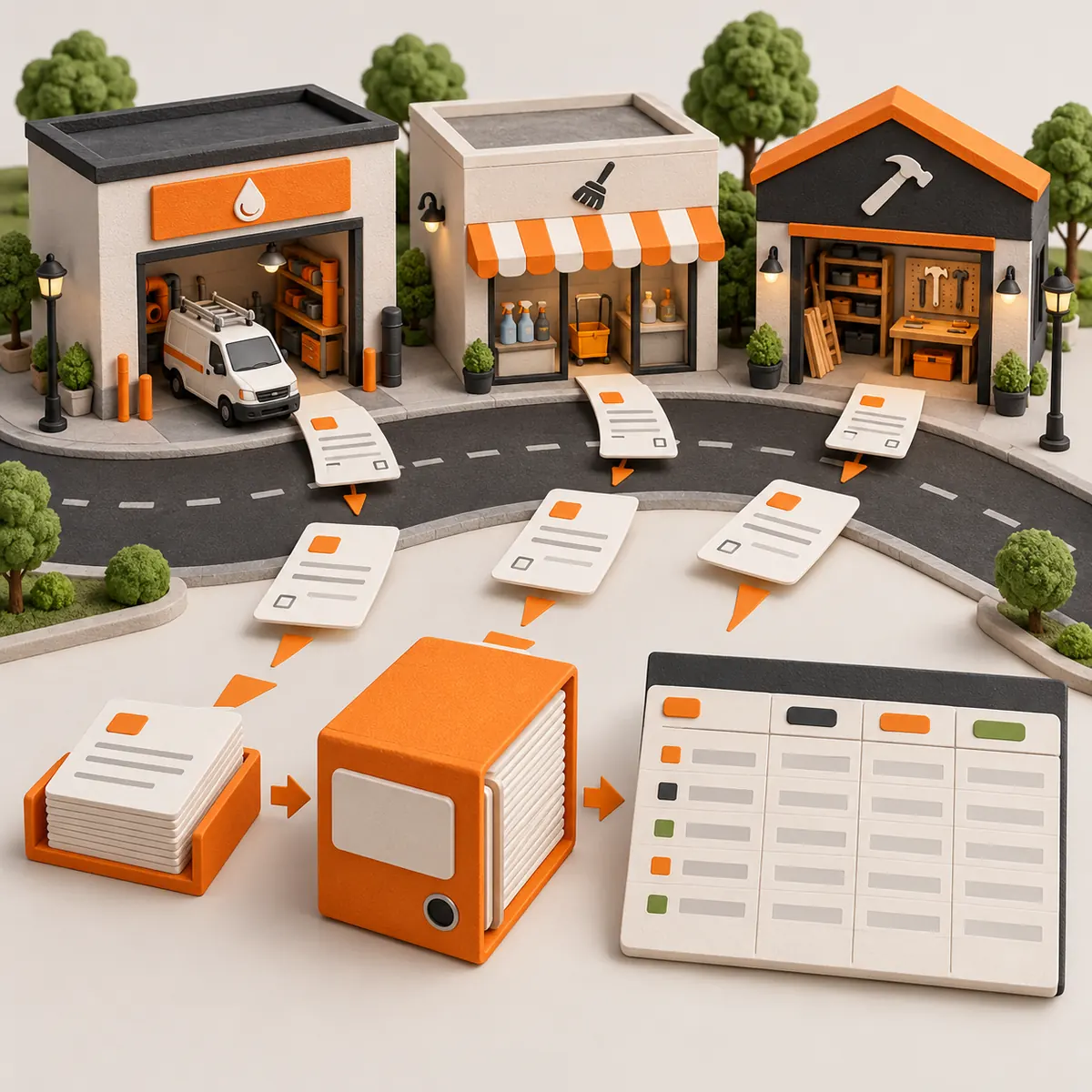
An AI spreadsheet data entry agent for libraries prepares approved collection and acquisitions data in a structured format library staff can review. It can map vendor spreadsheets, inventory exports, and digital resource metadata into a shared template, preserve identifiers and source references, and flag records with missing or conflicting fields. It supports the clerical side of record preparation; librarians retain responsibility for cataloging judgment, classification, and any update to the library’s system of record.
Prepare collection records for librarian review
Normalize incoming acquisition files
Map supplied ISBN or other identifiers, title, creator, publisher, publication year, format, vendor reference and order status into agreed columns while retaining the original source values.
Reconcile item and location fields
Compare approved inventory exports for barcode, copy number, branch, shelf location and item status. Flag mismatched identifiers or labels instead of choosing which record is correct.
Organize digital resource metadata
Prepare agreed fields such as resource title, provider, access URL, license reference and review status from supplied files. Staff confirm access conditions and descriptive decisions.
Preserve cataloging provenance
Keep a traceable source reference and label any proposed normalization so a librarian can inspect and approve changes before they enter the catalog or another system.
Where it can help
Acquisitions spreadsheet staging
Combine approved vendor order files into a consistent tracking sheet for review by acquisitions staff. Flag missing identifiers, duplicate-looking orders and unmatched invoice references without approving purchases or payments.
Branch inventory reconciliation
Compare item and location exports to surface empty barcodes, inconsistent branch codes, and status conflicts. Library staff verify the physical item or source system before correcting the record.
Digital collection metadata preparation
Organize supplied title, provider, URL and license reference fields for a shared review queue. Staff confirm description quality, access terms and whether a resource should be added or changed.
How it works
A step-by-step workflow your team can review before launch.
Choose the record scope
Select the collection workflow, source files, library identifiers, required columns and the staff member authorized to resolve cataloging questions.
Map approved spreadsheet fields
Read the agreed vendor, inventory or digital resource exports and map fields to the library’s review template, keeping original values and source references.
Flag exceptions without guessing
Mark incomplete identifiers, possible duplicates, inconsistent locations and mismatched values with a reason. Do not invent catalog data or overwrite uncertain fields.
Review and approve the handoff
A librarian or authorized staff member checks the prepared records and decides whether to export them or enter approved changes into the library system.
Built around your business
What we configure
- Local field names, branch codes, item identifiers and collection conventions
- Vendor, acquisition, inventory and digital resource spreadsheet formats
- Normalization rules for dates, formats, locations and record status
- Source references, exception labels and librarian approval steps
- Access limits, retention expectations and any separately scoped catalog integration
What we need from you
- Redacted or sample vendor, inventory or resource metadata exports
- A current blank template and field definitions for the selected workflow
- Documented duplicate and mismatch rules, including what must remain unresolved
- A named librarian or staff reviewer and an approved file-sharing method
Clear boundaries before launch
What it will not do
This workflow prepares administrative data for review and does not replace professional cataloging judgment. It does not make authoritative subject, classification, authority-control or descriptive decisions; approve purchases or invoices; determine license rights; change records in a library system without a separately approved integration; or make collection-development decisions. Do not include patron names, reading histories, circulation details, or other identifiable patron records in routine samples or spreadsheets. Library staff remain responsible for privacy controls, access decisions and final record approval.
How success is measured
Start with a sample set of the chosen file type. Review field-mapping accuracy, identifiers that staff confirm are missing or inconsistent, duplicate flags that are validated, time spent preparing records, and corrections made during librarian review. Track unresolved exceptions and false alerts so automation improves the handoff without replacing cataloging judgment.
Frequently asked questions
What can this agent prepare for a library?
It can organize approved acquisitions, item inventory, and digital resource metadata exports into a reviewable spreadsheet. The exact fields depend on your library’s sources and local conventions.
Will it catalog books or choose classification numbers?
It can map and normalize fields you provide, but it does not make authoritative cataloging, classification, subject-heading, or authority-control decisions. A librarian reviews and approves catalog records.
Can it update our integrated library system?
The starting workflow prepares a spreadsheet for review. An ILS or catalog connection requires separate technical and permission review, and changes should follow your approval process.
Can we use it with patron or circulation data?
Routine workflows should exclude identifiable patron details, reading history, and circulation records. If a distinct use case needs sensitive data, the library must review the purpose, safeguards and access before it is scoped.
How does the $300/month starting price work?
Tailored solutions start at $300 USD/month. Tranki reviews your file formats, collection workflow and review requirements, then confirms scope and payment terms in a proposal.
What should our library provide for setup?
Provide sample exports, a blank target template, local field definitions, examples of known mismatches, and the role of the librarian who will review prepared records.
Does it make acquisitions or licensing decisions?
No. It can organize supplied order and license reference fields, but authorized staff decide what to purchase, whether access terms are acceptable, and whether a resource belongs in the collection.