Custom AI agent · Documents & Data
AI Spreadsheet Data Entry Agent for Shopify Stores
Make Shopify catalog and order data easier to review before changes go live.
Prepare Shopify product, variant, location-inventory, and order exports in clean spreadsheets, with import and reconciliation exceptions flagged.
- Map approved Shopify exports into product, variant, inventory, and order workbooks using the column names and import formats your store requires.
- Catch blank handles, duplicate SKUs, inconsistent option values, and location or order-status mismatches before staff approve an import.
- Give merchandising and operations a traceable spreadsheet handoff without publishing listings, changing stock, or altering orders.
Starting at $300 USD/month
Custom implementations start at $300 USD per month. Final pricing depends on store count, product and order volume, export formats, reporting cadence, and review scope.
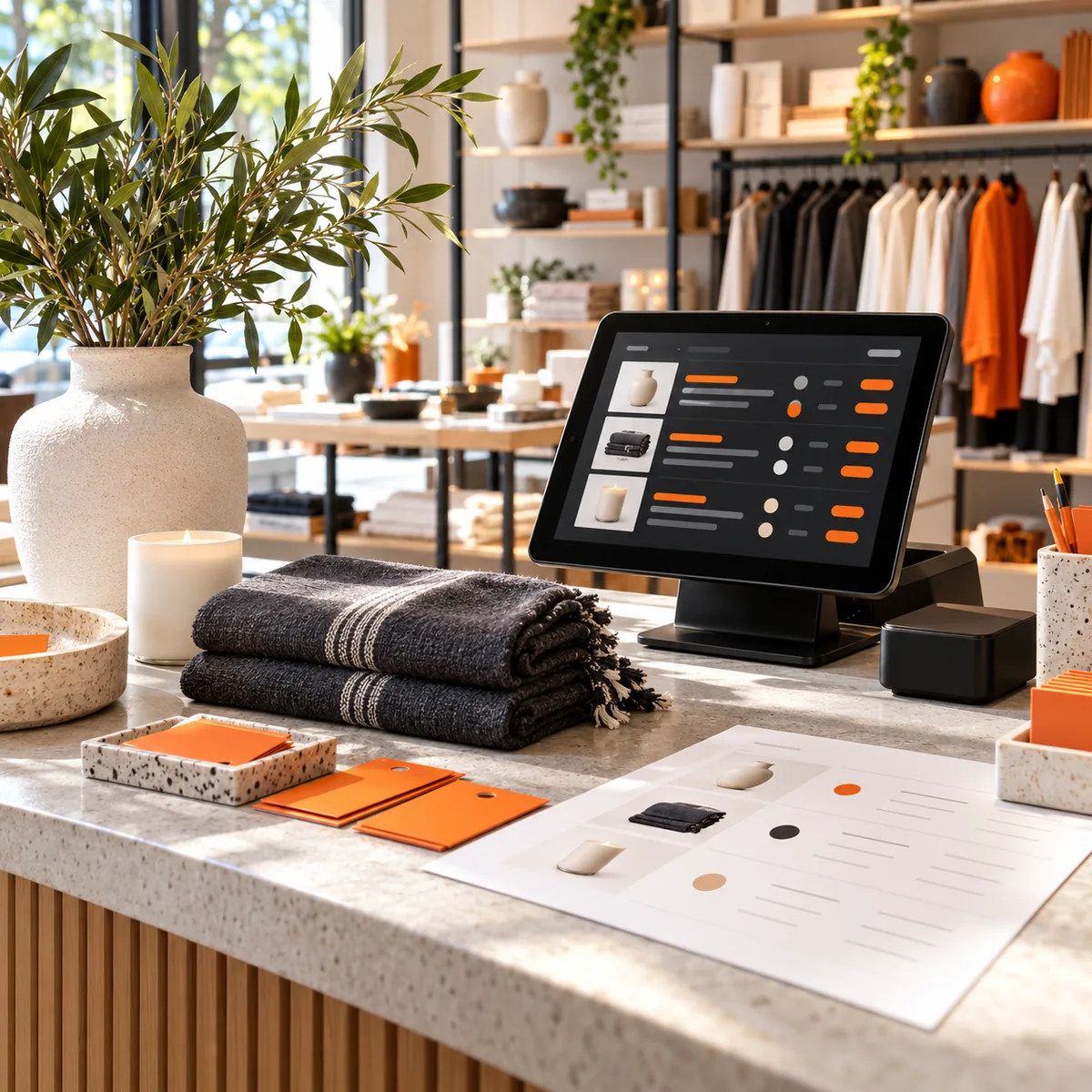
What is an AI spreadsheet data entry agent for Shopify stores?
An AI spreadsheet data entry agent for Shopify stores organizes approved Shopify product, variant, inventory, and order exports into spreadsheets your team can review and use. It can map product handles, titles, vendor and product-type fields, collection references, SKUs, barcodes, option names, and variant values; compare location-level inventory rows; and prepare order or fulfillment reports from supplied exports. The workflow can be tailored to your store's current import templates and field conventions, with exceptions separated for staff review. It prepares data from the files and permissions provided. It does not publish products, change prices, adjust live inventory, issue refunds, fulfill orders, or modify Shopify settings.
Shopify catalog, inventory, and order data
Product and variant import preparation
Structure approved product rows by handle, title, vendor, product type, tags, status, and collection fields, with variant options, SKUs, barcodes, and price columns mapped to your target spreadsheet.
Catalog consistency checks
Flag duplicate or blank SKUs, repeated handles, inconsistent option labels, missing required columns, and values that do not match the rules your merchandising team documents.
Location-level inventory reconciliation
Compare supplied inventory snapshots by SKU or variant and Shopify location, then list missing or conflicting quantities for staff verification without changing stock.
Order and fulfillment export organization
Organize supplied order IDs, line items, quantities, discounts, fulfillment stages, and return statuses in a reviewable workbook, preserving source identifiers where available.
Where it can help
Prepare a new product catalog import
Map the approved product file to your Shopify product and variant template, check required identifiers and option values, and return unmatched or duplicate candidates for merchandiser review.
Review inventory differences across locations
Compare product-variant quantities from selected location exports, identify discrepancies or absent rows, and create a reconciliation sheet for the inventory owner to validate.
Reconcile order and fulfillment exports
Combine approved order and fulfillment files by their identifiers, organize line items and recorded status fields, and route missing or conflicting records to the operations team.
How it works
A step-by-step workflow your team can review before launch.
Select Shopify exports and workbook targets
Choose the store, product, variant, inventory, order, and fulfillment exports and the specific import or reporting templates included in scope.
Define catalog and location rules
Confirm the source of truth for handles, SKU and barcode uniqueness, option names, collection fields, price columns, location identifiers, and order or return statuses.
Test a sample import workbook
Merchandising and operations staff compare sample rows to Shopify exports, review exceptions, and validate the target columns before relying on recurring output.
Deliver files for authorized review
Prepare the agreed spreadsheet with source references and an exception list; an authorized Shopify user approves and performs any live import or store change.
Built around your business
What we configure
- Shopify product, variant, collection, tag, and import-template columns
- SKU, barcode, handle, and option-value validation rules
- Inventory location identifiers and snapshot reconciliation criteria
- Order, line-item, fulfillment, cancellation, and return status mappings
- Catalog launch, inventory review, and order-export reporting cadence
What we need from you
- Approved Shopify CSV exports or scoped, read-only access to store records in scope
- Current product or inventory import templates and field definitions
- Stable SKU, handle, barcode, variant, and location identifiers or documented matching rules
- A named store administrator or merchandising owner to validate and approve any live import
Clear boundaries before launch
What it will not do
This agent prepares spreadsheets from approved Shopify data; it does not access a store by default or publish products, change titles, descriptions, prices or inventory, create discounts, alter orders, fulfill shipments, issue refunds, make tax or accounting decisions, or change store configuration. Validation depends on the fields and business rules supplied by the merchant. Duplicate detection may require review where identifiers are absent or inconsistent. Only an authorized Shopify user should approve and perform live imports after checking the output.
How success is measured
Track time to prepare catalog and order workbooks, share of product variants with complete required identifiers and option fields, duplicate-SKU candidates reviewed before import, inventory rows reconciled by location, and post-import corrections identified by staff. Compare similar stores and file types using stable validation rules; these measures do not guarantee error-free imports or inventory accuracy.
Frequently asked questions
What does an AI spreadsheet data entry agent do for Shopify stores?
It maps approved Shopify product, variant, inventory, and order exports into spreadsheet templates, applies your field rules, and flags missing or conflicting rows for review.
Can it publish products or change prices in my Shopify store?
No. The standard workflow prepares an import or review workbook. An authorized Shopify user checks the file and performs any live catalog change.
Can it update inventory quantities across locations?
It can compare supplied inventory snapshots by variant and location and prepare exceptions. It does not change live stock levels.
Can it reconcile orders and fulfillments?
It can organize supplied order and fulfillment exports by their identifiers and recorded statuses. It does not fulfill, cancel, or refund orders.
Which Shopify fields can it prepare?
Depending on your store's exports and template, fields can include product handle, title, vendor, product type, tags, collections, SKU, barcode, variant options, prices, location inventory, order IDs, and fulfillment status.
How much does it cost?
Custom implementations start at $300 USD per month. Final pricing depends on store count, product and order volume, export formats, reporting cadence, and review scope.
How do we verify the spreadsheet before importing it?
Your store owner or merchandiser confirms the source file, required columns, SKU and option rules, inventory locations, and exception rows, then approves any import.