Custom AI agent · Documents & Data
AI Spreadsheet Data Entry Agent for Warehouses
Turn receiving, location and count sheets into a clearer warehouse record.
Map approved receiving, bin-location and cycle-count fields into warehouse spreadsheets, with quantity and SKU exceptions left for staff verification.
- Receiving and inventory rows aligned to agreed SKU and location columns
- Duplicate, missing and conflicting quantities surfaced for review
- A traceable exception list before counts affect replenishment decisions
Starting at $300 USD/month
Starting price is $300 USD/month for a tailored solution. Your proposal defines the workflow, deliverables and payment terms. Warehouse-system integrations, location count, data scope, hosting and ongoing support are scoped before work begins.

What is an AI spreadsheet data entry agent for warehouses?
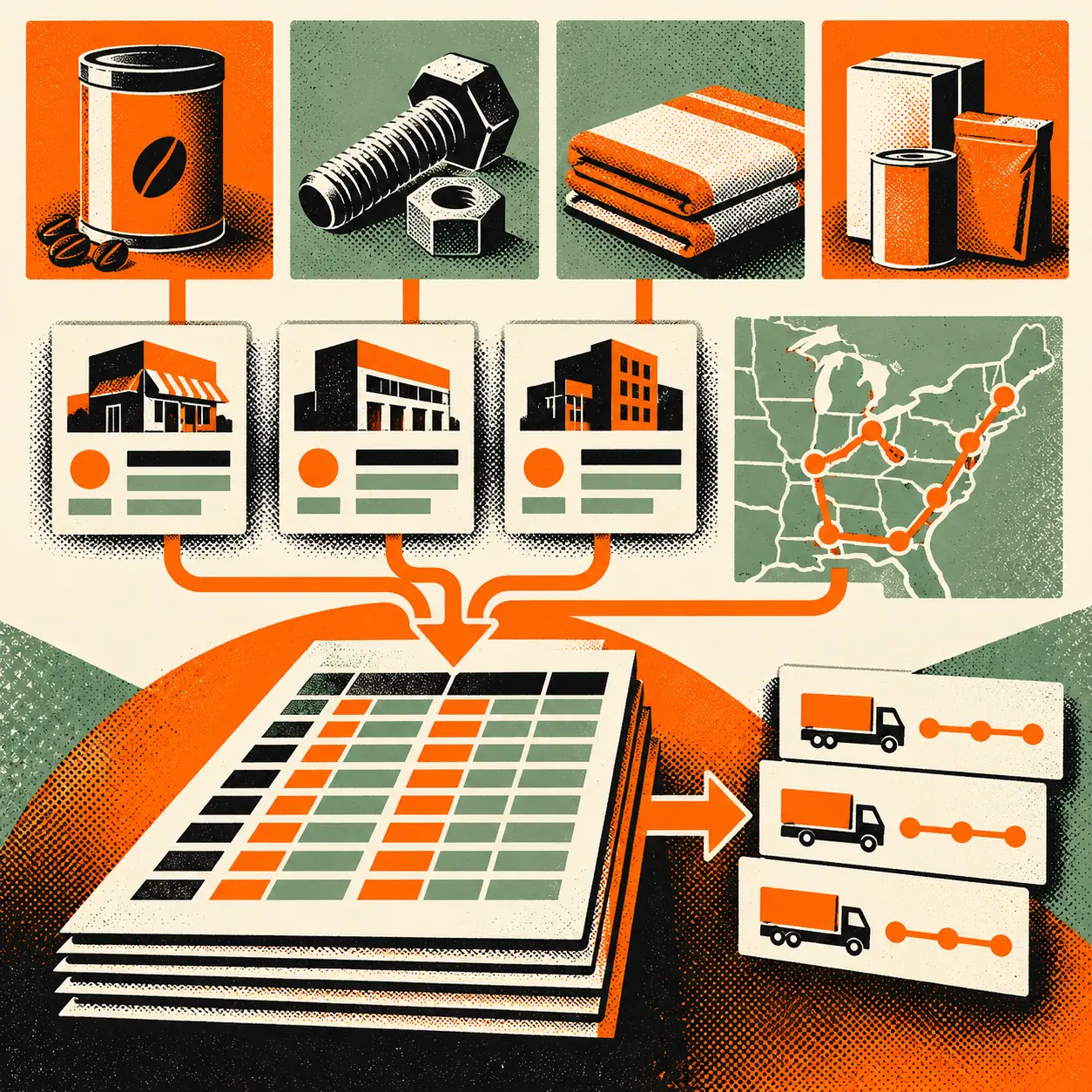
Warehouse teams often reconcile purchase receipts, bin locations, pick lists and cycle-count sheets across separate workbooks. This agent maps approved operational exports into the warehouse’s chosen spreadsheet format, applies documented SKU and location conventions, and flags discrepancies such as duplicate lines, missing units or counts that do not match a source record. It organizes records for staff review; it does not verify physical stock or alter inventory in a warehouse management system.
What it can organize across warehouse spreadsheets
Structure receiving records
Map approved purchase-order references, supplier item codes, internal SKUs, received quantities, units and dock dates into the receiving workbook. Flag missing references or mismatched units for receiving staff to check against source documents.
Align SKU and bin-location fields
Apply the warehouse’s documented SKU format, aisle or bin identifiers and unit conventions across location sheets. Keep the original source value available for review and do not infer a new location.
Prepare cycle-count exception lists
Compare supplied count rows with the provided inventory snapshot and flag variances, duplicate SKU-location pairs or absent counts. A count lead verifies the physical location and approves any adjustment.
Organize pick and replenishment worksheets
Arrange approved order lines, pick locations, units and recorded quantities into the agreed worksheet. Surface incomplete lines or low-stock thresholds for a supervisor; warehouse staff confirm picks and replenishment decisions.
Where it can help
Reconciling a receiving shift
Combine approved receiving rows with purchase-order references in a shift workbook, identify lines with missing units or unmatched SKUs, and give a receiving lead an exception list before put-away.
Reviewing a cycle-count variance
Compare physical-count entries with a supplied snapshot by SKU and bin. The agent marks discrepancies and duplicate locations; a count lead recounts and authorizes any correction in the official inventory system.
Preparing a replenishment review
Organize recorded on-hand quantities, reorder points and open pick references into a supervisor’s review sheet. Staff verify stock and demand in the warehouse system before placing or changing replenishment orders.
How it works
A step-by-step workflow your team can review before launch.
Select approved source sheets
Choose the receiving, location, count or pick-list exports in scope. Identify the authoritative source for SKU, unit, location, quantity and timestamp fields.
Set warehouse conventions
Document SKU aliases, unit conversions, location syntax, date and shift formats, and rules for duplicate or split-case lines with the inventory owner.
Map records and flag mismatches
Populate the target workbook only from provided values and approved transformations. Flag missing fields, count differences, duplicate SKU-location pairs and unmatched references.
Verify before inventory action
A receiving lead, count lead or supervisor checks exception rows against source paperwork and physical stock, then approves any changes in the designated warehouse system.
Built around your business
What we configure
- Warehouse spreadsheet templates and supported export formats
- SKU, supplier-code and product-alias mappings
- Aisle, rack, bin and staging-location conventions
- Case, each, pallet and other documented unit relationships
- Receiving, put-away, cycle-count and pick-list exception rules
- Approved read-only warehouse-system exports after technical review
What we need from you
- Current sample workbooks and field definitions for each workflow in scope
- A source-of-truth decision for SKU, unit, location and inventory snapshot fields
- Documented unit and location conventions, including split cases and alternate bins
- A warehouse inventory owner to resolve exceptions
- A staff verification step before changing stock, orders or replenishment
Clear boundaries before launch
What it will not do
This agent organizes supplied warehouse records; it does not physically count, locate, move, receive or ship goods, verify product condition, certify lot or serial details, reserve stock, change an inventory balance, release an order, or place a purchase order. It must not guess a SKU, bin, unit conversion or quantity. Warehouse staff verify physical stock and approve consequential changes in the warehouse management or inventory system. Any write-enabled system connection requires separate technical, access and operational approval.
How success is measured
Compare sampled spreadsheet rows against approved receiving documents, inventory snapshots and verified cycle counts. Track SKU and location match rates, unit inconsistencies, missing references, duplicate lines, variance exceptions, staff correction time and the share of stock adjustments confirmed by a count lead. Measure spreadsheet transfer quality separately from inventory accuracy, order fill rate, shrink, throughput or shipping performance.
Frequently asked questions
What does an AI spreadsheet data entry agent do for a warehouse?
It maps approved receiving, location, pick or cycle-count fields into a defined workbook and flags missing or inconsistent records for warehouse staff to verify.
Can it change inventory quantities in our WMS?
The standard workflow prepares spreadsheet records for review and does not update inventory balances. A write-enabled integration would require separate technical and operational approval and an explicit human approval step.
Can it verify how much stock is physically on a shelf?
No. It can compare supplied count values with a provided snapshot and flag variances, but warehouse staff must recount and confirm physical stock.
How does it handle units such as cases and eaches?
It follows only documented unit mappings approved by the warehouse. Missing or unclear conversions are flagged for staff rather than inferred.
Can it create purchase or replenishment orders?
No. It can organize recorded quantities and reorder fields for a supervisor’s review. Authorized staff verify demand and stock in the designated system and make purchasing decisions.
What does the $300/month starting price include?
Tranki solutions start at $300 USD/month. The proposal defines the tailored workflow, deliverables and payment terms. Warehouse-system integrations, location count, data scope, hosting and ongoing support are scoped before work begins.
How do we prevent a spreadsheet mismatch from changing stock?
Keep the workflow review-based: flag exceptions, identify an accountable inventory owner and require verification against source documents and physical stock before any authorized system change.