Custom AI agent · Documents & Data
AI Email Attachment Processing Agent
Turn inbox attachments into organized next steps.
Process approved email attachments into organized, source-linked work items while quarantining unknown or sensitive exceptions.
- Less manual downloading and sorting
- Consistent routing by file type and workflow
- Safer handling of unknown or restricted attachments
Starting at $300 USD/month
Starting price is $300 USD/month for a tailored solution. Your final proposal defines the scope, deliverables and payment terms. Mailbox volume, file sizes, security scanning, integrations, hosting, monitoring and ongoing support are scoped and priced before work begins.

What is an AI email attachment processing agent?
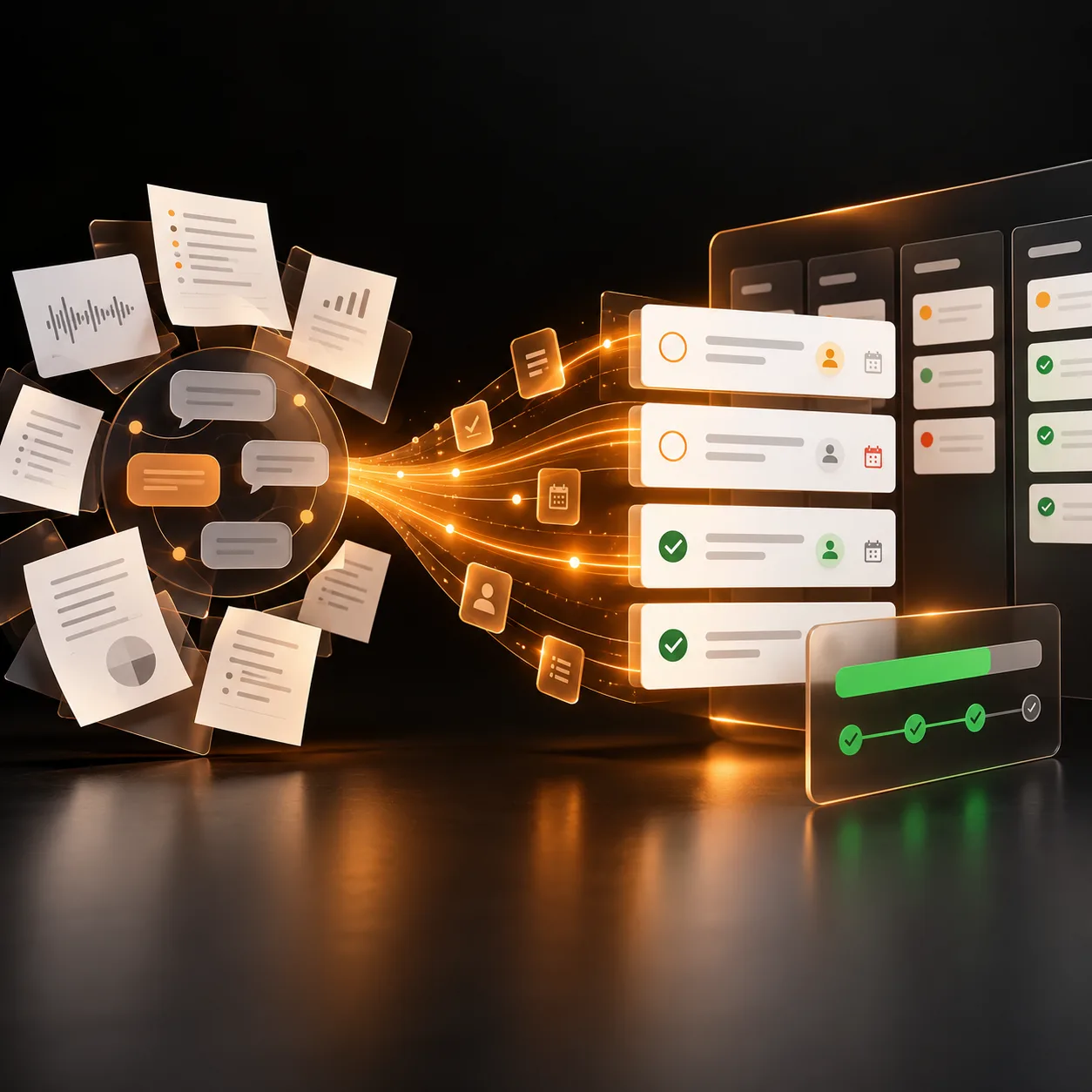
An AI email attachment processing agent turns approved inbound attachments into structured, reviewable work items. It can identify the message context, separate files, recognize supported formats, capture permitted metadata, route each attachment to the right queue, and flag items that are malformed, sensitive, or outside policy. Tranki designs the workflow around the mailboxes, senders, file types, destinations, retention rules, and human review your organization approves. It should reduce inbox handling without becoming an unrestricted path for untrusted files or unauthorized data.
What it can process
Capture message and file context
Preserve approved sender, subject, timestamp, thread, file name, type, size, and other metadata needed to understand why an attachment entered the workflow.
Recognize and separate attachments
Identify supported file types, multiple attachments, compressed packages, malformed files, and inline content according to the intake rules your team defines.
Route files to the right queue
Send approved attachments to a document, finance, operations, case, or review workflow with the context and source reference attached.
Quarantine exceptions safely
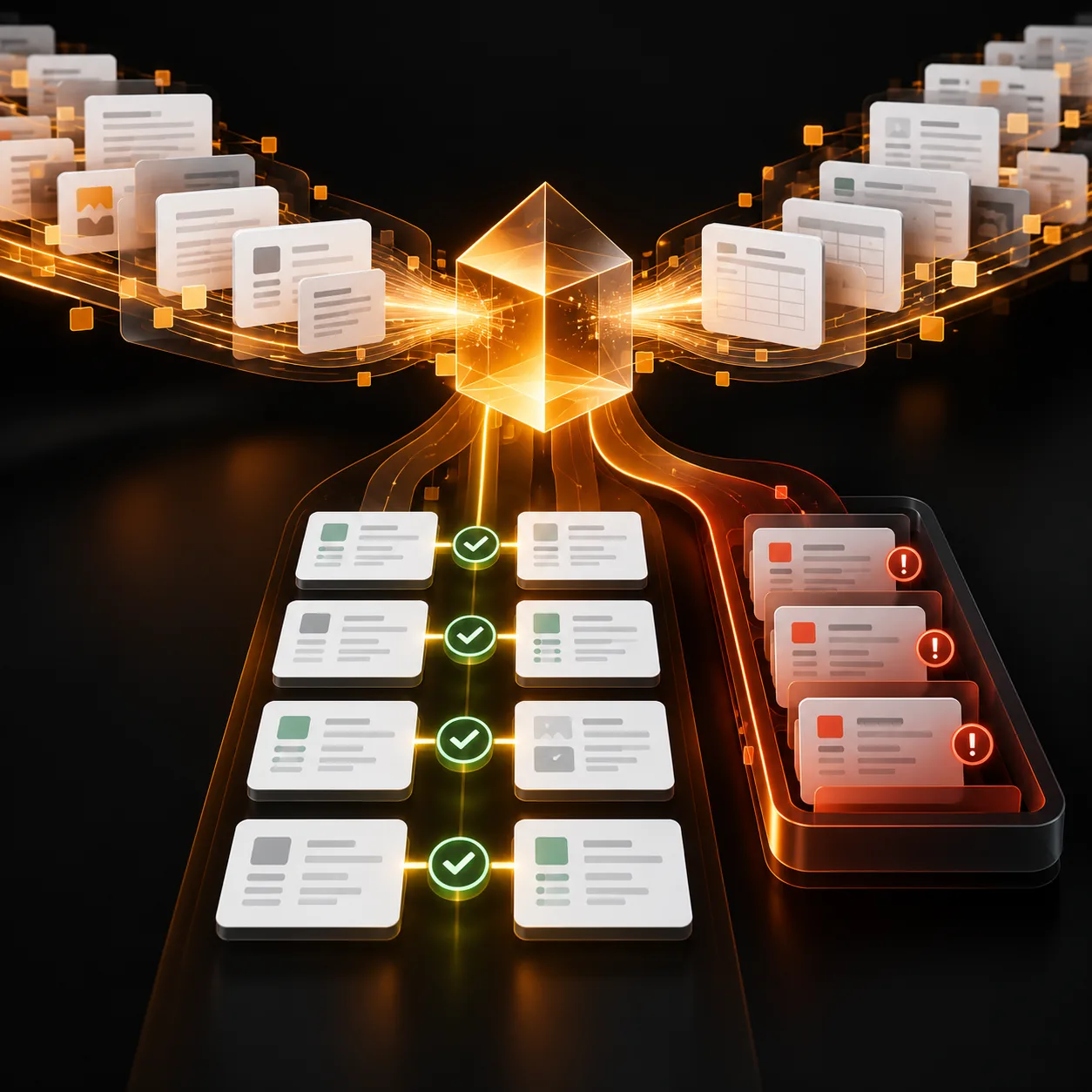
Flag unknown senders, blocked formats, oversized files, suspected sensitive material, duplicates, or processing failures for an owner instead of silently opening or discarding them.
Where it can help
Invoice and purchase-order inboxes
Collect approved supplier attachments, capture message context, route invoices or purchase orders for extraction and review, and separate items that do not meet intake rules.
Case and service correspondence
Attach submitted forms, images, reports, or supporting files to the right case or queue while keeping the original message reference and review trail.
Operations and shared mailboxes
Process recurring files arriving through team inboxes, route them by source and type, and send exceptions to the owner responsible for resolution.
How it works
A step-by-step workflow your team can review before launch.
Define the mailbox boundary
Tranki maps approved mailboxes, senders, subjects, file types, size limits, retention, destinations, permissions, and the conditions that require quarantine.
Receive and inspect safely
The workflow records message and attachment metadata, checks the file against format and security rules, and does not treat an attachment as trusted merely because it arrived by email.
Route the approved work item
Supported attachments move to the configured destination with source context, identifiers, and any required classification or extraction step.
Review exceptions and maintain rules
Owners handle quarantined, malformed, sensitive, or uncertain items and update senders, file rules, or destinations through an approved change process.
Built around your business
What we configure
- Mailboxes, sender allowlists, subject or routing rules, file types, size limits, archive behavior, and retention
- Metadata fields, naming conventions, destination queues, case or record matching, and downstream processing steps
- Quarantine rules, malware or security handoff, sensitive-content handling, human review, and audit logging
- Approved email, storage, document, case, CRM, ERP, help-desk, or workflow connections
What we need from you
- An approved mailbox or email intake service and a clear list of senders, sources, file types, and destinations
- Representative messages and attachments covering normal, malformed, sensitive, oversized, and out-of-scope cases
- Security, privacy, retention, access, quarantine, and malware-handling requirements
- Named owners for processing exceptions, approving new rules, and releasing quarantined files
Clear boundaries before launch
What it will not do
The agent does not guarantee that an attachment is safe, open unknown files without controls, bypass mailbox permissions, expose message content, or silently delete an item. Email can contain malicious, misleading, confidential, or incorrectly addressed material. Security scanning, quarantine, access controls, retention, and human review must be defined with the appropriate technical or compliance owner.
How success is measured
Track attachment processing success, routing accuracy, exception and quarantine rates, time to resolution, unsupported or malformed file volume, duplicate intake, source-context completeness, manual handling avoided, and security or privacy incidents prevented. Measure reliability and safe handling, not only the number of files moved.
Frequently asked questions
What does an AI email attachment processing agent do?
It captures approved message context, separates and checks attachments, routes supported files to the right workflow, and flags unknown or restricted items for review. It is not an unrestricted file-opening service.
Can it process multiple attachments in one email?
Yes, the workflow can separate and route multiple supported attachments while keeping their message and thread context. Limits and handling for compressed packages or unsupported files are defined in scope.
Can it connect attachments to a case, invoice, or record?
A connection can be included after we review the destination system, matching rules, permissions, and required review steps. The agent should not guess a record when the match is ambiguous.
How does it handle suspicious or unknown files?
The workflow can quarantine unknown senders, blocked formats, oversized files, malformed content, and other exceptions for the appropriate security or operations owner instead of routing them normally.
Does it scan attachments for malware?
Security scanning can be included or connected to an approved security service, but the agent should not be treated as a replacement for dedicated malware detection, email security, or incident-response controls.
Can it read confidential email attachments?
Only through an explicitly authorized mailbox, access policy, retention policy, and destination workflow. Sensitive content should be limited to the fields and people required for the agreed process.
What is included in the $300/month starting price?
The starting price covers a scoped custom solution baseline. Your proposal defines the mailboxes, volume, file types, security and quarantine rules, destinations, integrations, hosting, monitoring, and support included.